Tag assets
Use existing barcodes or create internal QR labels for laptops, tablets, tools, monitors, accessories, kits, or serialized gear.
IT asset checkout scanner
ScanAtlas Business can turn asset labels into shared records with quantities, serials, responsible teammates, check-in/out activity, locations, bins, notes, and web dashboard review.
For IT admins, school device programs, repair desks, AV teams, field kits, lab equipment managers, and teams that need to know who has what.
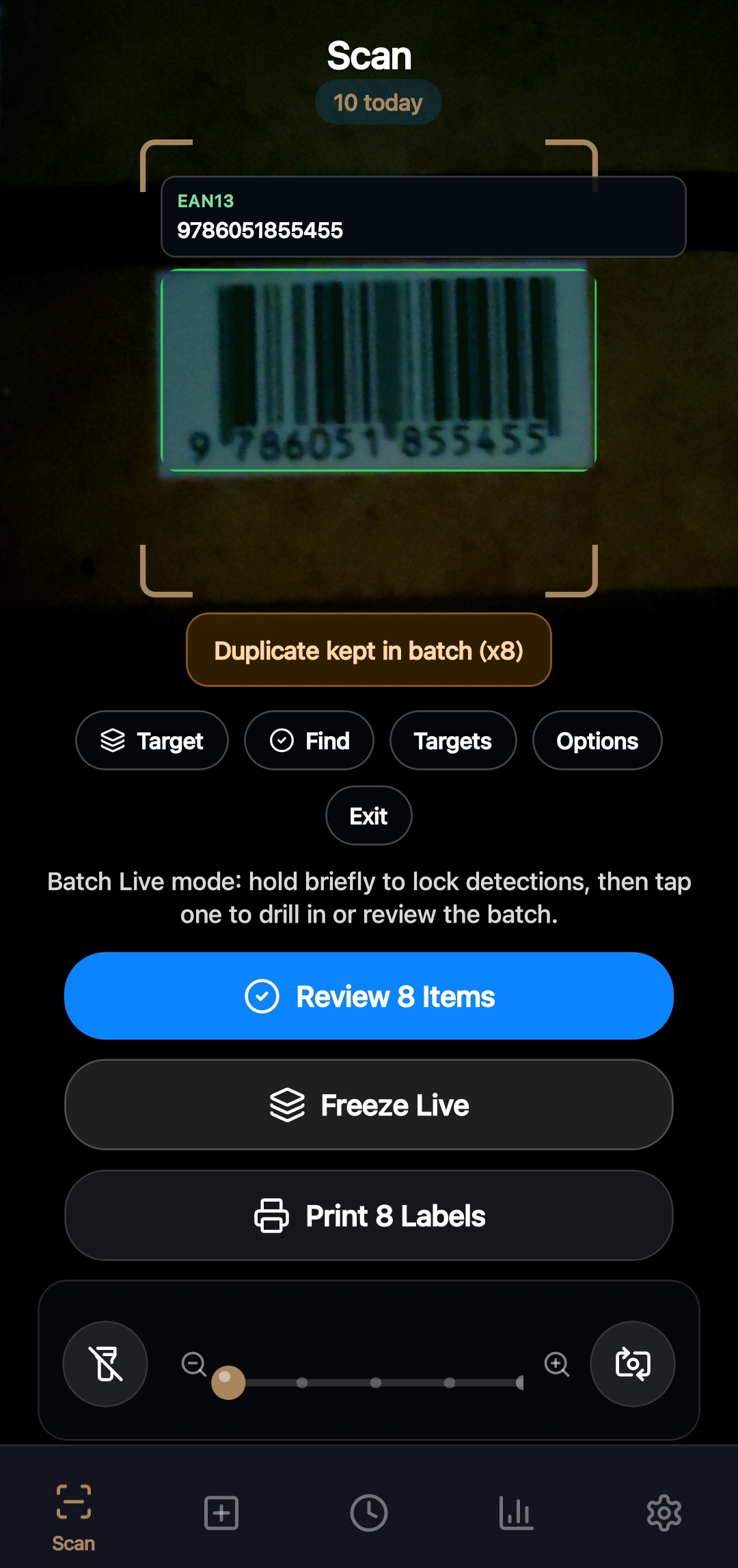
Workflow
Use existing barcodes or create internal QR labels for laptops, tablets, tools, monitors, accessories, kits, or serialized gear.
Assign items to a teammate or location, save serials and notes, and record activity against the item.
Use dashboard drill-down, exports, and activity history to review who has what and what changed.
Why ScanAtlas
These pages describe features that exist in the app today or are tied to the live dashboard workflow, not vague scanner promises.
Feature fit
Record who has an asset and track check-ins when equipment comes back.
Keep ownership visible on the item record and in dashboard drill-downs.
Track assets by office, shelf, cart, room, or storage bin.
Export reports or CSVs for reviews, handoffs, insurance checks, and operations meetings.
Plan fit
ScanAtlas can start light and scale into shared stock, automation, and dashboard work when the operation grows.
Questions & Answers
Next step
Install ScanAtlas for the mobile scanner, or open the public dashboard demo to see how tracked inventory, drill-downs, exports, and activity feel on desktop.