Scan
Capture QR codes, barcodes, GS1 data, or NFC tags with the phone camera and save the result into tracked stock.
Inventory scanner app
ScanAtlas gives operators a fast mobile scanner that keeps the useful structure after the scan: item names, quantities, locations, folders, notes, low-stock thresholds, exports, and dashboard review when your workflow needs it.
For retail backrooms, small warehouses, labs, studios, schools, field teams, and anyone who wants inventory structure without buying a dedicated scanner stack first.
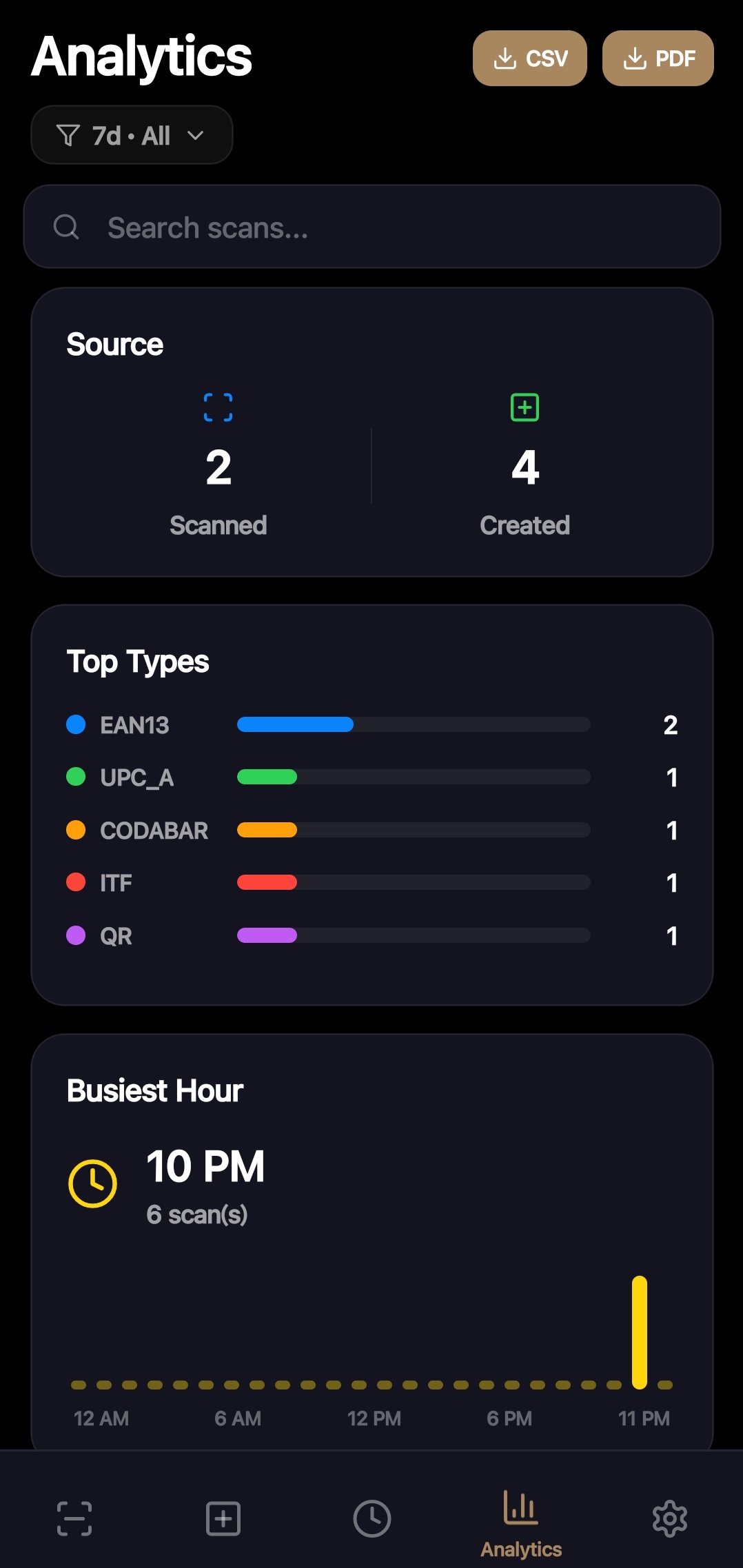
Workflow
Capture QR codes, barcodes, GS1 data, or NFC tags with the phone camera and save the result into tracked stock.
Attach quantity, location, folder, min quantity, notes, supplier details, dates, and custom fields so the scan becomes usable inventory.
Export CSVs and reports, watch low-stock items, and use the web dashboard when you are in a Business workspace or eligible account.
Why ScanAtlas
These pages describe features that exist in the app today or are tied to the live dashboard workflow, not vague scanner promises.
Feature fit
Save product labels, asset labels, internal QR codes, and GS1 barcodes as tracked inventory items.
Use min quantities, expiry or maintenance dates, and reminders to keep the next action visible.
Export stock data as CSV or generate operational reports when a spreadsheet handoff is still needed.
Keep scanning locally when signal drops, then sync supported destinations when connection returns.
Plan fit
ScanAtlas can start light and scale into shared stock, automation, and dashboard work when the operation grows.
Questions & Answers
Next step
Install ScanAtlas for the mobile scanner, or open the public dashboard demo to see how tracked inventory, drill-downs, exports, and activity feel on desktop.